Digital Asset Library Setup for Growing Marketing Teams
Structure and permissions matter more than the software itself when building asset libraries.
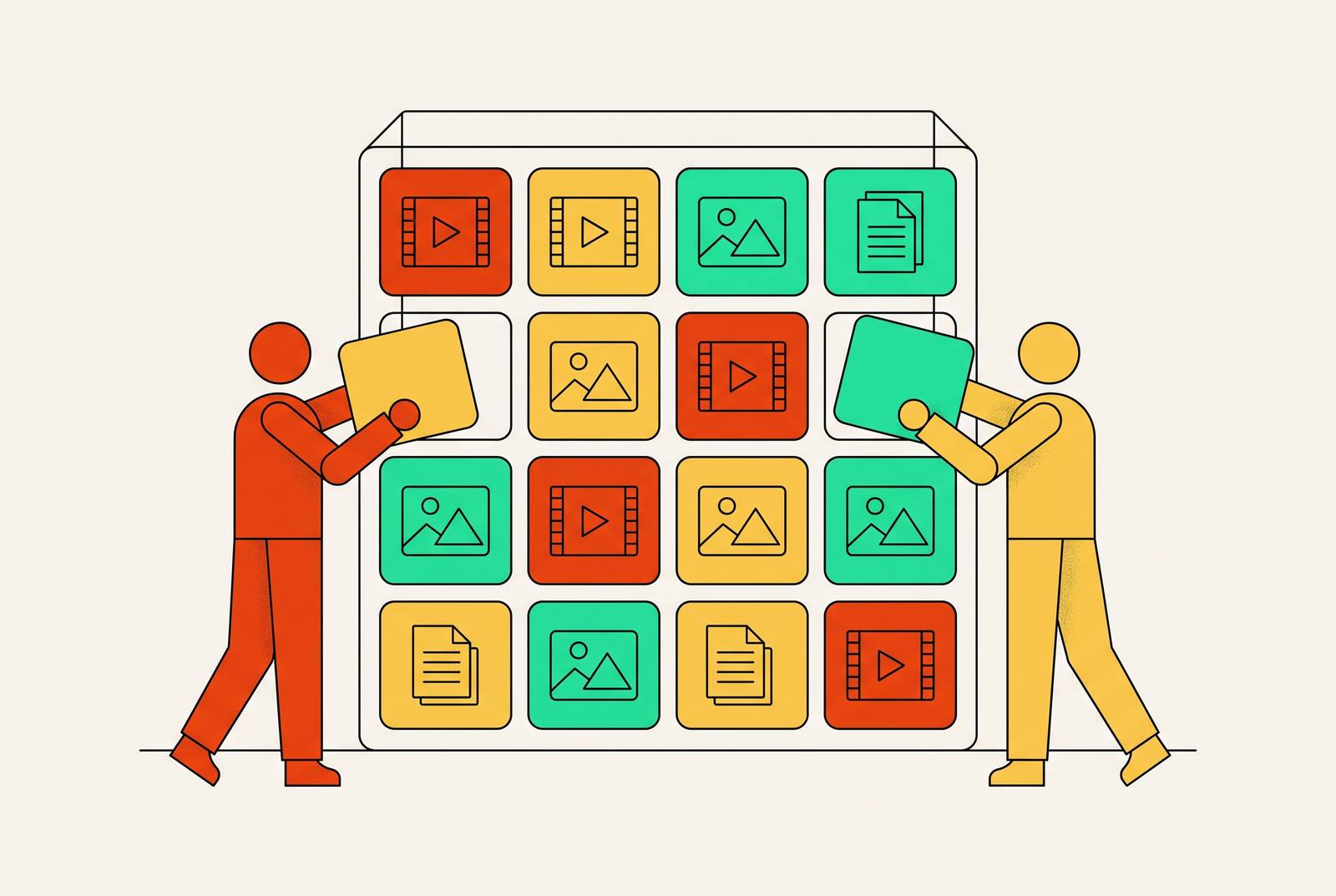
Marketing teams lose real hours every week to file hunting and manual asset shuffling, and most of that time gets written off as "just how the job works." It's a symptom of a system that never got built with any real structure. It's a symptom of a system that never got built with any real structure, and it gets worse every time the team adds a market, an agency, or a new hire. This piece walks through why that happens and what actually fixes it, and no, the answer is not "buy a fancier Google Drive."
Here's the setup: a shared drive works fine for five people who all sit near each other and know where things live. Adding a regional office, or a second agency, or one new hire who wasn't around when the folder structure got built causes the whole thing to start to wobble. Nobody agrees on where the logo lives anymore. Someone edits the master template because nobody told them not to. An old campaign graphic gets pulled back out and republished because no one flagged that it was retired. And somewhere in a team messaging thread, there's a file called "Final_Ad_v3_USE_THIS_ONE.mp4," which is the digital equivalent of duct tape on a leaking pipe: it holds for now, but everyone knows it's not a real fix.
None of that is a storage problem. Adding more folders, or a bigger Drive plan, doesn't touch the actual issue, because the actual issue is organizational, not technical. This piece lays out what needs to get decided before any software gets chosen, how version control stops the chaos, and which platforms are worth a look once the groundwork is done.
What a digital asset library governs, and what it does not
Google Drive and Dropbox store files. That's it, that's the whole job description. A digital asset management (DAM) system does something different: it governs files. The distinction sounds small until a client gets sent the wrong deck or an outdated ad runs on a channel where it shouldn't.
A real DAM knows things a shared drive never will. It knows which version of a file is the approved one, right now, today. It knows who's allowed to open, download, or edit that file, and it knows everywhere that file has been used, across every channel it touched. It knows when the usage rights on a stock photo or licensed video run out. And it knows the file's current status, whether it's in draft, sitting in review, approved, archived, or marked for deletion.
Creative asset management goes a step further than plain governance. It tracks the entire life of a piece of content: draft, review, revision, approval, publish, performance check, then feeding into the brief for whatever comes next. A system that's actually mature ties every asset to its metadata, its version history, its usage rights, and how it performed once it went live. If that last piece is skipped, most of what teams call "asset management" is really just hoarding with better folder names.
A DAM doesn't create anything. It doesn't write the brief, it doesn't come up with the concept, and it won't enforce brand strategy on its own. Those are calls people make. The system only holds up the decisions humans already made. Teams that treat a DAM purchase as the fix are solving the wrong problem, full stop. Teams that settle ownership and structure first, then bring in a tool, are the ones who get a system that survives contact with year two.
The organizational decisions that must come before any tool selection
Software enforces decisions. It cannot make them for anyone. So before any team demos a single platform, four questions need real answers.
Taxonomy: how are assets actually classified? Think of taxonomy as the skeleton and metadata as the DNA. One gives structure, the other gives detail, and together they're what turns a messy folder tree into something people can actually search. A taxonomy that works usually follows how the team already thinks: organize by campaign first, then channel or platform, then by the piece itself (hook, body copy, call to action), not just by file type. Start small. A simple structure with a handful of metadata fields beats an elaborate system nobody bothers to use six months in. Get creative producers, marketers, and legal in the room while building it, since a taxonomy that only makes sense to the person who built it isn't a taxonomy, it's a personal filing system with extra steps. Write the standards down in a shared guide, with examples, so new hires tag things the same way the founding team did.
Metadata standards: what does each file need to say about itself? That kind of precision at search time only works if the same precision was required at upload time. Fields to lock in before launch: title, keywords, campaign ID, channel, asset type, aspect ratio, expiry date, usage rights territory, approval status. A brand running multiple product lines might add fields for SKU or audience segment, and those calls get made during taxonomy design, never bolted on after the system's already live.
Ownership: who's accountable for each category of asset? Every category needs a named person behind it, someone who decides when something's approved, when it gets retired, and who's allowed to touch it. If this is skipped, governance quietly falls apart: no one retires the old stuff, no one enforces naming rules, and version conflicts just pile up unresolved. A new VP of Marketing walking in on day one shouldn't have to spend their first month doing archaeology through six years of folders. A library with clear ownership already works before they've even unpacked their laptop bag.
Permissions: who's allowed to do what? When permissions are set well, they don't slow anyone down, they just give each person a clear lane. Role-based access control (creator, reviewer, distributor, read-only, admin) should be mapped out before it's assigned to specific people or teams. External partners, agencies, freelancers, regional offices, need their own tier entirely: a curated portal or shared collection, not the keys to the whole library.
File naming: the connective tissue holding it together A naming convention isn't decoration. It's the search engine that runs before the platform's actual search engine kicks in, and inconsistent naming will break discoverability no matter how good the software is. A solid convention encodes the project code, asset type, channel, date or version, and approval status, all readable without opening the file. Write it down, make it mandatory at upload, and enforce it with templates or intake forms. Reminder emails don't work. Reminder emails have never worked.
Do this work first, and platform selection turns into something almost boring: picking the tool that best enforces decisions the team already made, not hoping a tool will make those decisions on its behalf.
Version control and asset lifecycle: preventing the "use this one" problem
Version control just means tracking changes to a file so everyone's working from the current, approved copy, not some cousin of it buried in someone's downloads folder. Get this right and "Final_Ad_v3_USE_THIS_ONE.mp4" stops happening, because there's no ambiguity left about which file is the current, approved copy.
Asset lifecycle management stretches that idea across the asset's full life: creation and brief, review and annotation, approval (who signs off, and what that unlocks), active distribution, archival (still visible, no longer usable), then deletion or expiry once rights lapse or the campaign wraps. Each stage needs an owner and a clear trigger for moving to the next one. "Approved" doesn't happen automatically. Someone has to make that call and log it.
Expiry and rights management deserve their own attention here. An asset that's expired isn't just old, it's a liability the moment it gets republished, legally or otherwise. The DAM should flag expiry dates ahead of time, not after someone's already used the wrong file. Per ImageKit's findings (cited via Uplifted.ai), 85% of businesses say they have clear brand guidelines, but only 30% apply them consistently across every touchpoint. That gap is what version sprawl and lifecycle neglect produce: guidelines that exist on paper and quietly stop mattering in practice.
A practical checklist for getting version control in place:
- Lock master files so only admins can overwrite them; contributors add new versions, they don't edit the live one
- Require a short note at upload explaining what changed and why
- Set automatic expiry flags on anything with limited rights or a campaign end date
- Run an audit on a schedule, quarterly at minimum for any library that's actually active
Evaluating DAM platforms once organizational decisions are in place
Platform choice comes last, not first. By the time a team's ready to look at software, it already knows its taxonomy, its ownership model, its permission tiers, and its lifecycle rules. The platform's only job at that point is to enforce all of it at scale.
Six things matter here, per Marq's evaluation criteria:
Storage and organization: does the platform's structure actually support the taxonomy already built, or will the team have to bend its system to fit the software? Search: does it search on metadata and keywords, or does it also read visual characteristics of the file itself? Version control and governance: does it track versions, flag outdated files, and stop retired assets from circulating? Access and permissions: can it actually run the role-based tiers already defined, or does it flatten everyone into the same access level? Integrations: does it plug into the tools already in use (CRM, CMS, design software, marketing automation), or does it become its own island? Ease of use: can a regional marketer or a field sales rep find the right file without calling the creative team for help?
Need for a DAM tracks complexity, not just how many files a team has piled up. Multiple markets, multiple channels, outside agencies, layered approval workflows, these are the real signals, according to Frontify, stronger than any arbitrary file count. A team with a large volume of files but one market and one approver might not need one yet. A team with far fewer files spread across four agencies and three regions almost certainly does.
Budget context matters too. Per MediaValet's DAM Trends Report (cited via Gartner), marketing budgets are an average of just 7.8% of revenue, which means a DAM has to earn its spot as an efficiency and governance investment, not get pitched as a nice-to-have. And the market itself is growing fast: global DAM spend is projected to go from $5.3 billion in 2025 to $10.9 billion by 2029. That growth isn't the reason to buy one. It's just confirmation that a lot of teams are running into the same wall at the same time.
Five platforms worth evaluating and what each one is built for
1. MediaValet, best for enterprise storage and governance
Built for companies pushing large volumes of content across multiple teams or markets and needing it locked down tight. Metadata and keyword search are strong, and it offers portals for curated access by internal teams, agencies, and outside partners. It links to CDNs, so channels update automatically when a source file changes, and it has built-in approval and annotation tools baked in.
It carries SOC 2 Type II and ISO 27001 certifications, plus GDPR, HIPAA, CCPA, and PIPEDA compliance, which makes it a real option for regulated industries. Pricing doesn't scale per seat, so adding regional managers or agency partners doesn't quietly balloon the bill. New users tend to need actual training before they're comfortable, which is the tradeoff. One G2 reviewer, Steven C., called it "a valid and secure base to store our media material." Another, Albert H., noted the training curve directly. G2 rating is 4.5 (per Marq). Pricing is custom, contact sales for a quote.
2. Bynder, best for global brands running large libraries
Built for enterprise and large mid-market teams juggling multi-brand, multi-region libraries with serious governance needs. It offers configurable taxonomy, granular permissions, and over 155 integrations across marketing, creative, and e-commerce tools, plus dedicated brand portals. G2 rating is 4.5 (per Marq), and pricing is fully custom. It fits teams that already have a governance model built and need a platform with enough integration surface to enforce it across a genuinely complicated stack.
3. Canto, best for mid-market teams that want something approachable
Over 3,400 organizations use it, and it ranked as the top DAM provider among Content Management Products on G2's Best Software list, per Canto's own press release. It runs AI Visual Search using plain-language prompts, a Media Publisher for pushing content straight to channels, and an Approval Hub for structured review. G2 rating is 4.4 (per Marq). It's a solid fit for mid-market teams that want real governance without wading through enterprise-level setup.
4. Marq, best for distributed teams creating governed content
Marq stores approved assets, locks them into governed templates, and lets distributed teams, think field marketers or franchise partners, build on-brand content without ever touching the master files. It runs a brand portal, approval workflow, locked templates, and integrations with both DAM systems and CRMs. G2 rating is 4.5 (per Marq). It's built for organizations with regional or franchise teams that need to localize content inside guardrails someone else already set.
The sources checked for this guide are listed below.